 |

|
SOFTWARE FOR ONLINE TUTORING
To work online, the tutor and the student log on to the online meeting room. Stoodle is an online whiteboard service supported in part by the CK-12 Foundation. You can use Stoodle with your computer's microphone/ headset and talk your online teacher while drawing, typing, or sharing images. Key features:
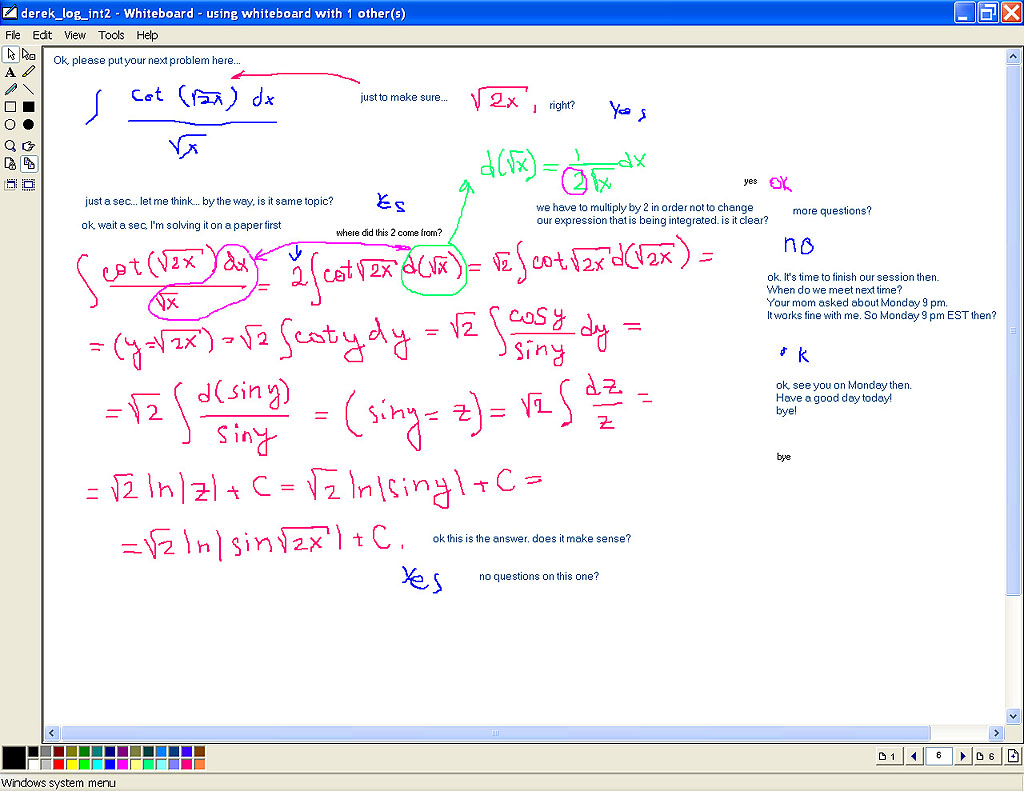
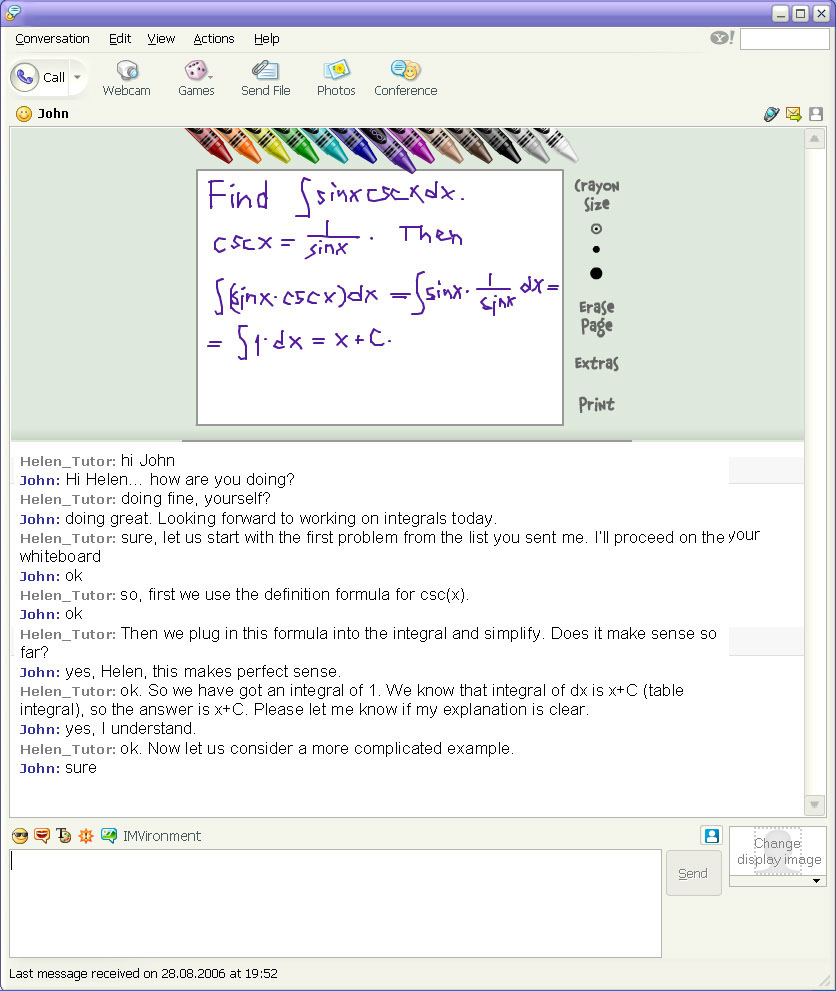
Note: To log in to the meeting room, enter your name and proceed. No installation is required, the software works purely in your browser. It is designed for iPad (in landscape mode) and desktop browsers. We will help you to set up for online tutoring and show how the meeting room works at no charge for you. In case you experience any troubles with launching or working in our regular meeting room, we can try the ALTERNATIVE SOFTWARE for tutoring:
Please note that all the software we use is absolutely free for you. You do not have to pay any extra fees for using the software in addition to the Online tutoring service fee ($30/hour). |
|


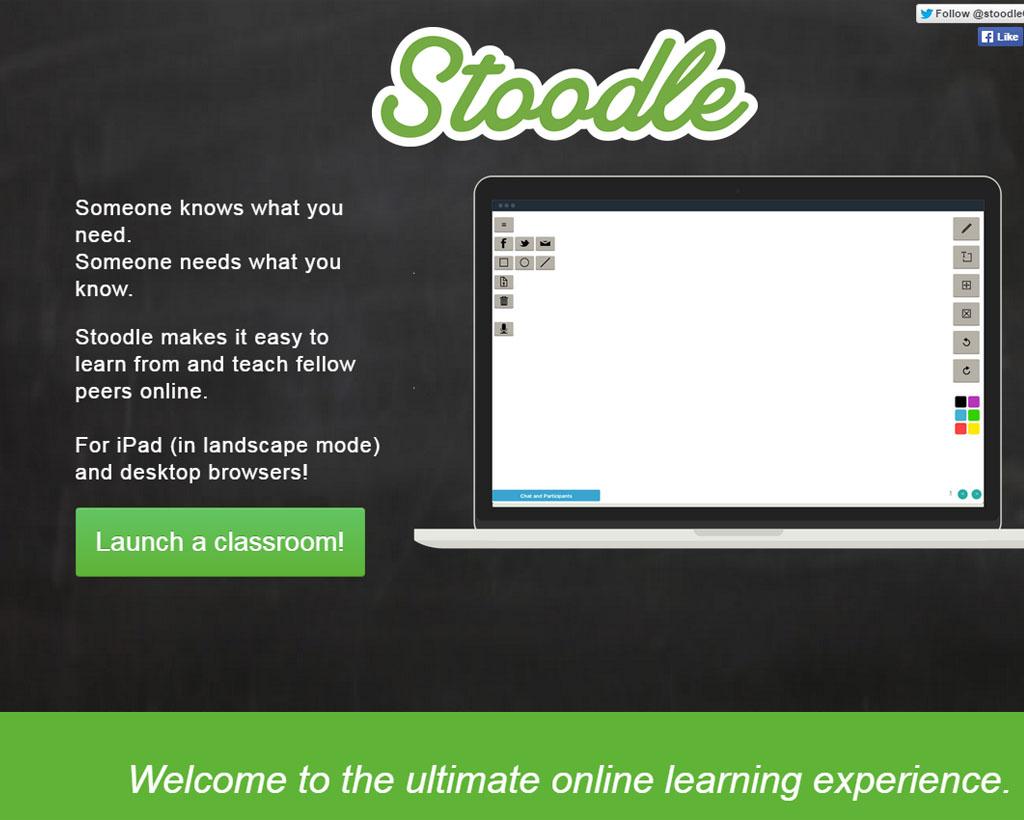
 Online Meeting Room Stoodle



| Home | . | Problem solving | . | Online tutoring | . | Samples&Testimonials | . | Rates | . | Payment | . | FAQ | . | About us | . | Contact us | . | Links |
| Address: 2250 S Cottonwood, Mesa AZ 85202, USA
Phone: 1-520-834-8950 E-Mail: contact@homeworkexpert.com |
Copyright © 2005 - 2021 by HomeworkExpert. All rights reserved. Terms of service |
